Your team has tried ChatGPT for test cases and a self-healing plugin for locators. The next step is an AI agent that tests the app autonomously while the QA engineer works on something else. Gartner predicts that 33% of enterprise software applications will include agentic AI by 2028, up from less than 1% in 2024. This guide explains what agentic AI testing is and which tasks an agent does well. You will also see what a run costs and where you can start.
What Is Agentic AI Testing?
Agentic AI testing is software testing where an AI agent receives a goal and plans the steps itself. The agent runs the steps in the app and checks each result. It changes its plan from what it sees.
An autonomous AI testing agent differs from a script and from a chat assistant in the way it works. A script in traditional automation repeats predefined steps. A chat assistant answers a question and waits. The agent takes a goal in plain English, such as “complete checkout with a new user”, and then works in a multi-step loop:
- It maps the app and records the pages and the forms it finds.
- It plans test scenarios from the map and the goal.
- It executes the scenarios in a real browser or sends requests to an API.
- It validates each result and records what worked and what failed.
- It keeps the flows that worked as reusable end-to-end tests.
- It plans the next round from what it learned.
The loop repeats until the agentic system reaches the goal or the time limit. You get a report with screenshots and test code you can keep. Older articles call the same idea autonomous testing. The newer term, agentic testing, stresses that the AI makes the decisions inside the loop. The term differs from AI agent testing, which means evals and quality checks of an AI system that your team builds.
Agentic AI Testing vs AI-Assisted Testing vs Scripted Automation
The approaches differ in who decides the next step. You can discover the practical differences below:
| Question | Scripted automation | AI-assisted testing | Agentic AI testing |
|---|---|---|---|
| Who decides the next step? | The engineer, in the script | The engineer, with AI suggestions | The agent, from the goal and the application behavior |
| What do you give as input? | Test code | A prompt or a failing test | A goal and a URL |
| What do you get as output? | A green or red result per test | A draft test or a fixed locator | A report with screencasts and test code |
| What happens when the UI changes? | The test fails until an engineer fixes it | The tool proposes a fix | The agent adapts the plan in the same run |
| Where does the cost come from? | Engineer time | Engineer time plus AI calls | AI tokens per hour of run |
AI-assisted test automation tools help a person write or fix a test. Self-healing test automation belongs to this group: the engineer keeps the script, and the AI repairs locators after UI changes. An agent runs the session itself and returns a report to the tester.
Both approaches have a place in a test strategy. Scripted regression suites from traditional testing give you the same result on every run, which a release gate needs. Agent runs differ from run to run, because large language models pick a different path each time. Teams that need deterministic AI output keep scripted checks for the gate and use agents for discovery. The next section shows which task fits which approach.
What AI Agents Can Do for Software Testing
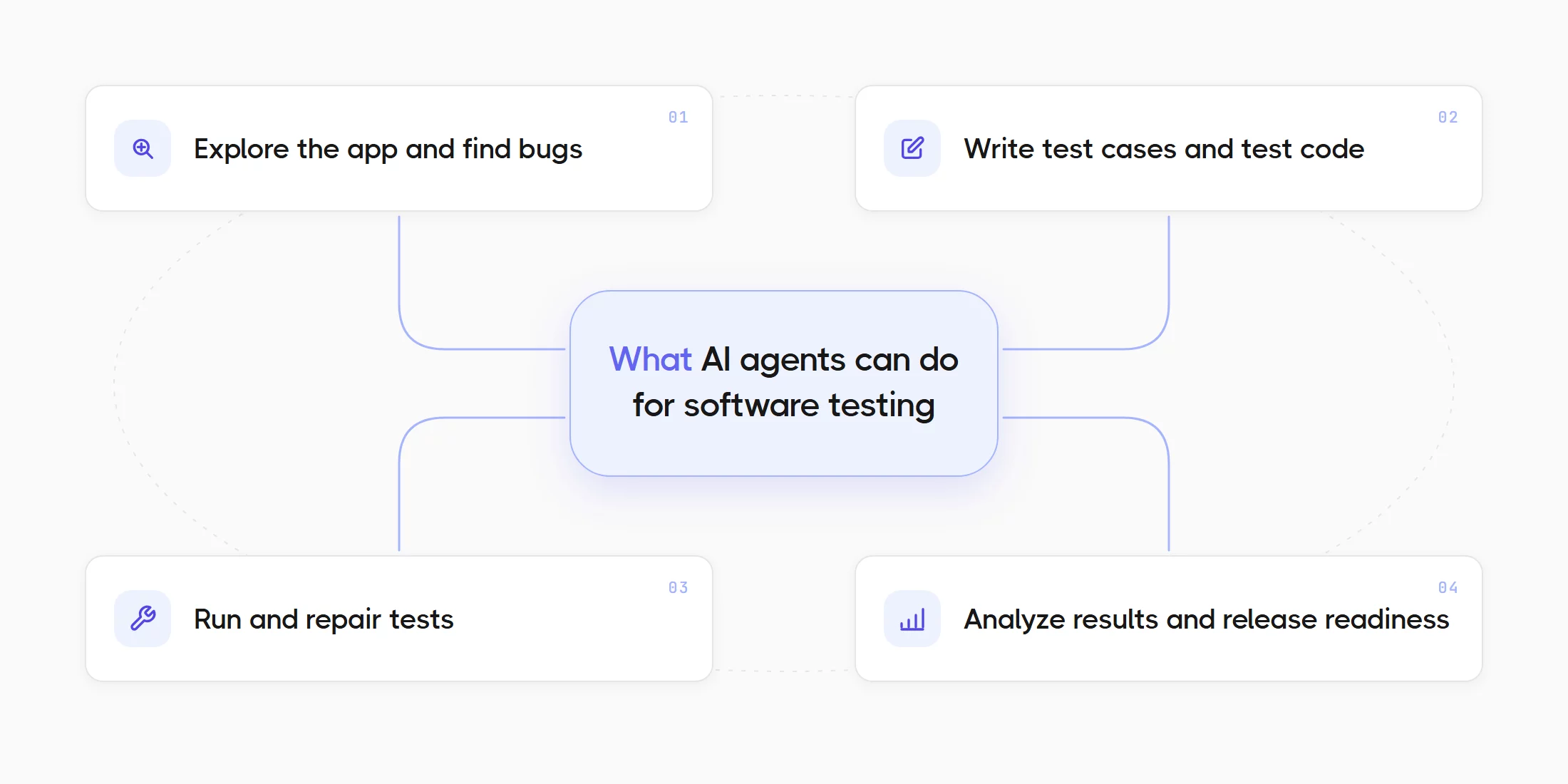
AI agents for software testing are useful for specific tasks. Testing agents come in several kinds. Each task needs a different kind of agent and a different review step from the team.
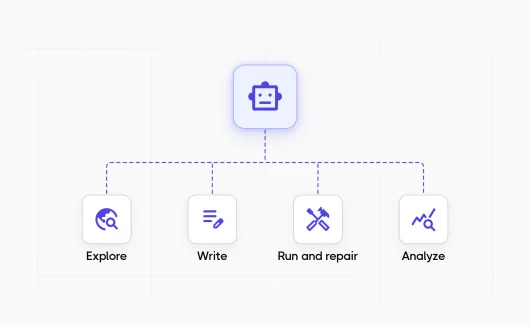
- Explore the app and find bugs. The agent receives a URL and a goal and tests pages that are new to it. It fills forms with valid and invalid data and tries edge cases. It reports errors with steps to reproduce. Explorbot does this exploratory testing task for web apps and writes the flows that worked as Playwright or CodeceptJS tests.
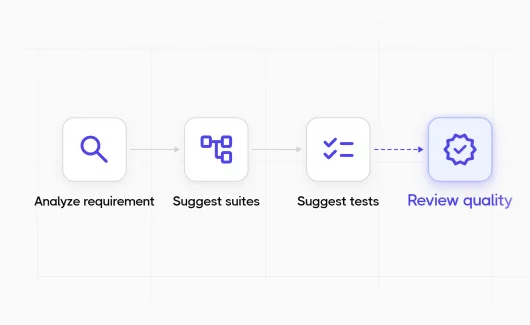
- Write test cases and test code. The agent reads requirements from a tracker or a design and drafts structured test cases. It can also convert an existing test case from manual steps into an automated test for your framework. The open-source QA Skills library gives this task to coding agents such as Cursor, Claude Code, Codex and GitHub Copilot. Testeiya, the upcoming QA agent from the same team, has the same skills built in for testers who prefer a desktop app.
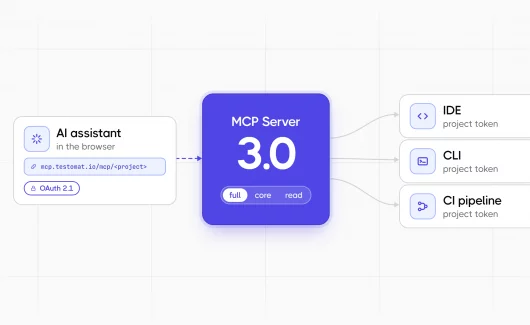
- Run and repair tests. The agent executes the test suite in CI. It links tests to source files, so a pull request triggers only the affected tests. The agent proposes a fix for review when a locator or a flow breaks. Agents reduce the hours the team spends on maintaining tests, so execution and maintenance stay in the same pipeline. A multi-agent setup with Claude Code and Playwright test agents runs this task through the Testomat.io MCP server.
- Analyze results and release readiness. The agent reads test runs and tags flaky tests. It finds coverage gaps and failure patterns and reports whether the release is ready. The AI agents in Testomat.io do this task inside the test management project. Every change they make is visible, and you can revert it.
The rest of this guide follows these tasks, from the lifecycle stages where agents already work to your first run on a staging app.
Agentic QA: How the Process and the Role Change
Agentic QA is a fundamental shift in how teams approach software testing, and it changes what a QA engineer does during the day. The tester moves from writing every step to setting goals and reviewing agent output. Human oversight stays in the agentic workflow, and the tester sets the handoff points in advance.
The review happens at these handoff points:
- The run report. The tester reads what the agent tried and confirms the real bugs. False alarms get a note, so the next run avoids them.
- The generated cases. The tester checks that the cases match the requirement and the expected result. The tester accepts them into the suite after the check.
- The proposed fixes. The tester reviews a locator or a flow fix before it reaches the main branch.
- The release report. The tester reads the readiness summary and decides with the team.
Will AI replace QA testers? The review work grows with every agent you add, and teams need a person who knows the product. The job changes from execution to judgment.
The agentic QA workflow goes stage by stage through the new process. The Testomat.ai team made Testeiya for this role. It gives the tester a single workspace where you can run tests and update every QA and project artifact: test cases, plans, runs and requirements in Jira or Confluence. It shows the tester every tool call and every plan, and it keeps the tests and the runs in Testomat.io. Agent runs get their place in the release rules of your QA strategy, and success metrics such as bugs found per run and false alarms per run separate a successful AI testing rollout from an expensive experiment.
Agentic AI in the Software Development Lifecycle
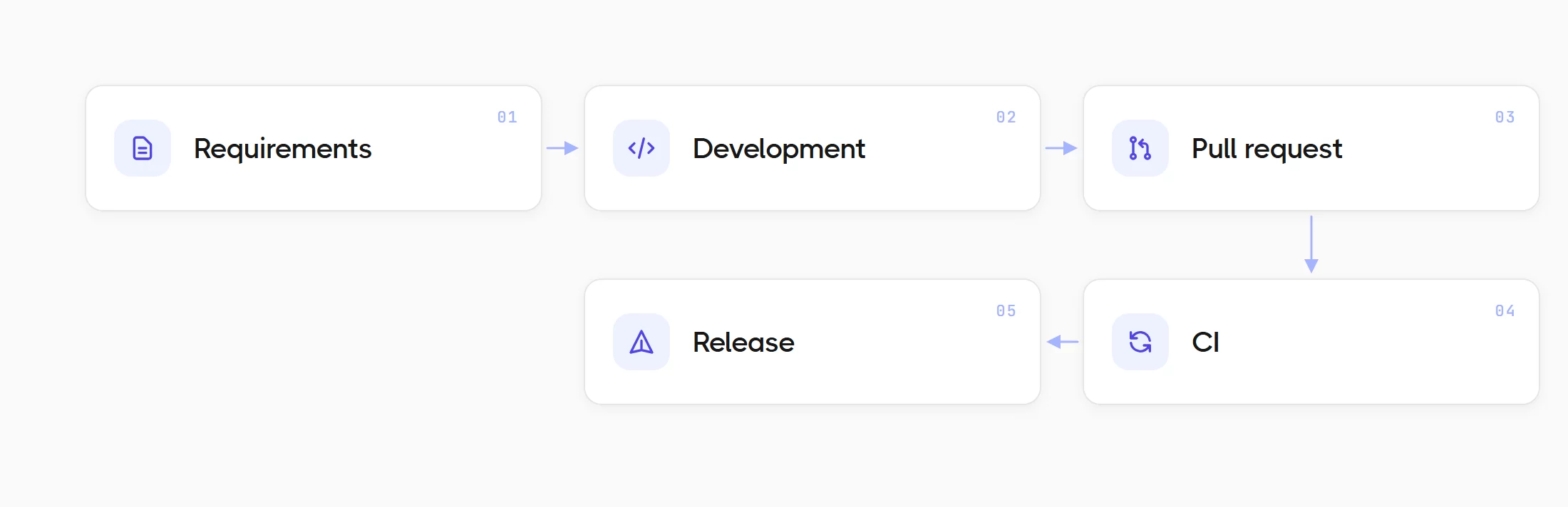
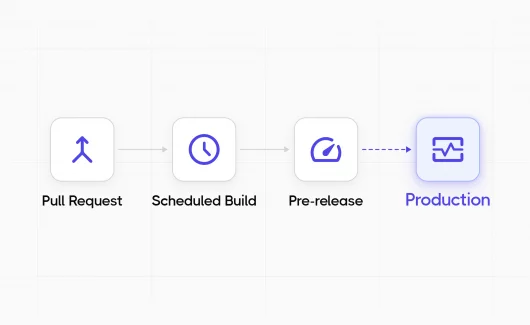
Agents already work at every stage of the software development lifecycle. The stages below show where a QA team meets them today and which task each agent takes. Teams that adopt agentic testing stage by stage keep the existing testing workflows and the test suite, and they add agents where the suite leaves gaps. A full implementation covers every stage, and the first step can be a single stage.
Requirements: AI Test Case Generation
An agent reviews a spec before development and drafts test cases from it. The source can also be the live UI or existing code. The difference from a chat prompt is the source. A chat assistant works from the text you paste. An agent reads the ticket or the page itself. It checks the result for duplicates and writes the cases into the test management project.
You can start with the flagship skill from QA Skills, which reads requirements from a tracker or a document and drafts structured cases. You can sync the cases to Testomat.io after the review. The AI test generation feature in Testomat.io covers the same task from inside the project.
Review before you accept is the rule. A generated case can repeat an existing case. It can also miss a product rule that the requirement left out. The AI test case generation workflow includes a review checklist for this step.
Development and Pull Request
A coding agent writes tests next to the code and runs them over MCP, so the tests reach the test management project with the first commit. An agent then links the tests to the changed files at pull request time and runs only the affected tests. The reviewer sees the test result next to the diff before the merge, and a modification in a shared dependency triggers the tests of every module that uses it.
CI
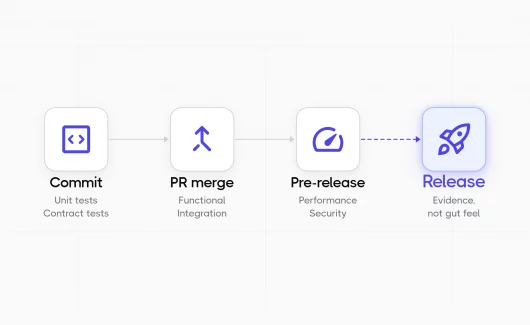
An exploratory agent runs next to the regression suite and reports new bugs. The scripted suite keeps the release gate for regression testing, because its result repeats from run to run. The agent run adds discovery: it tests the paths outside the suite, including the paths the team missed, and leaves a report with steps to reproduce. Continuous testing with both gives you a measurable picture of reliability before every release.
Release: AI Test Management
An agent reads the last runs and reports readiness. An agent run is a test run like a Playwright or Cypress run. Its report and its generated specs need a home where the team can trace them to requirements and compare them with the other runs. The release decision ignores results that stay in a folder on the CI server.
AI test management adds agents to the test management system itself. The system becomes the control center for the agents. It holds the requirements and the run history. It records every agent action and shows the release decision with the evidence, which gives the team observability over testing outcomes. The agents in Testomat.io analyze runs and tag flaky tests. They find coverage gaps and report release readiness. Pulse, the project audit log, records every change an agent makes, and you can apply or revert it with a click.
Testeiya connects to the same project as the agentic interface to Testomat.io. The tester works in a desktop app or in the CLI, and the tests and the runs stay in the project. You can read about the setup and the plan tiers in how AI test management works.
The Testomat.ai ecosystem covers these stages. QA Skills serve coding agents, Explorbot runs in CI, Testeiya works on the tester’s desk, and the Testomat.io MCP server connects them to the project. Salesforce and Oracle release testing give concrete examples of agents at each SDLC stage for mission-critical systems.
How to Choose an Agentic Testing Tool
The vendor pages for AI testing tools sound similar, so you need questions that separate the key capabilities of agentic tools from marketing:
- Does the tool run on your machine and in your CI, or only in the vendor cloud?
- Does it produce test code you keep after you stop paying?
- What does a run cost, and do you pay per seat or per token?
- Can you start it from a CLI in a pipeline?
- Where do the reports go, and can the team see them next to other runs?
- Can you pick the model and the provider?
- Does it use MCP, so your coding agents and the test management project share the same context?
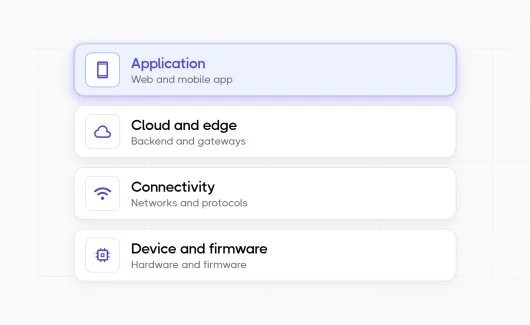
Explorbot answers these questions in a simple way. It runs locally and in CI, writes Playwright or CodeceptJS specs, costs tokens only, starts from a CLI, reports to Testomat.io and runs on the model you choose. The agents in this guide work on web apps and APIs, so iOS and Android apps need a different setup.
Limits of Agentic AI Testing
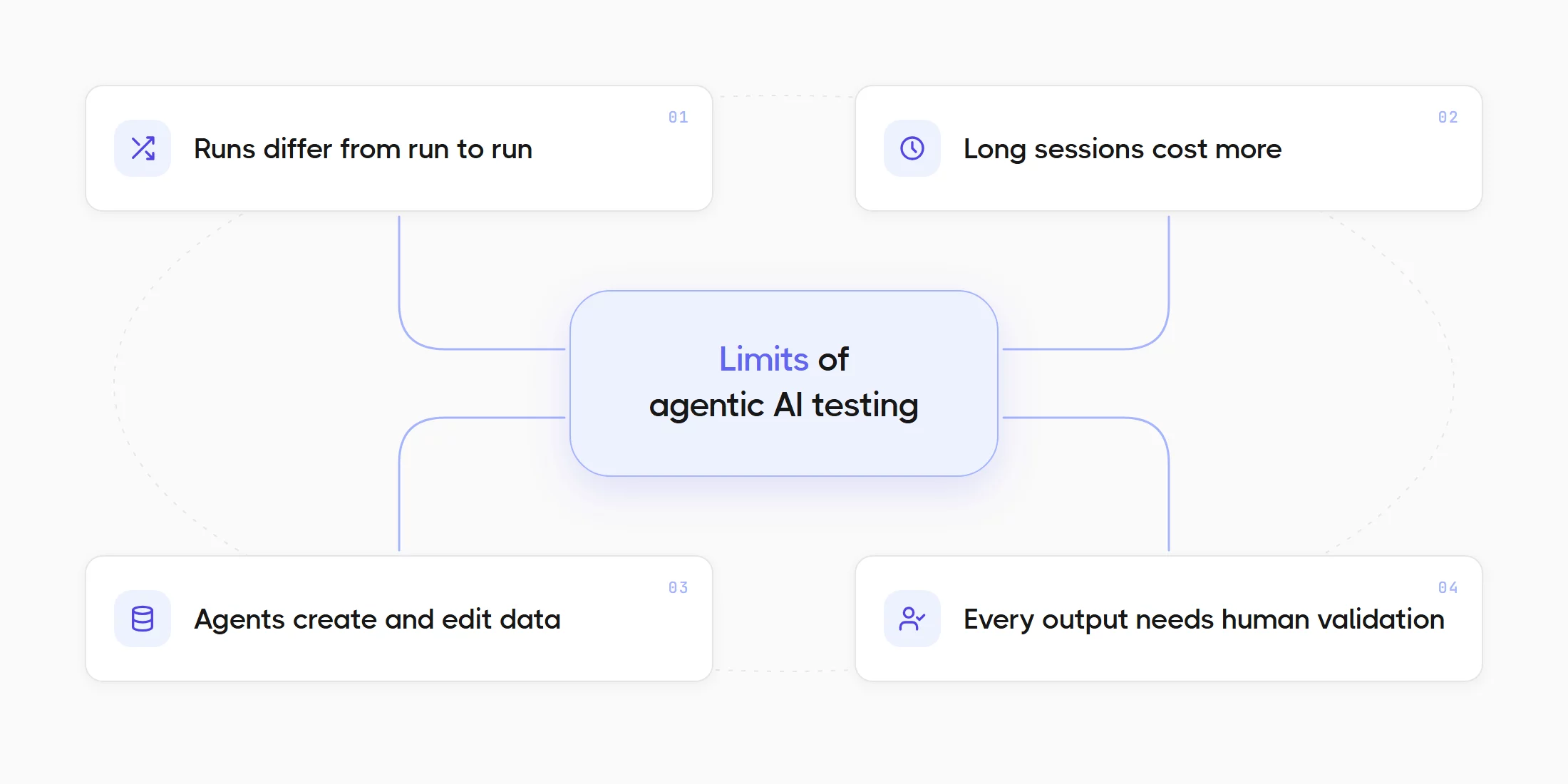
- Agent runs differ from run to run. The agent behaves differently on each run because the model picks a different path, so you need scripted tests for the release gate and agent runs for discovery. A retry of the same goal gives you a second path, which is useful for exploration and useless for a gate.
- Long sessions cost more. A run that explores a large app for hours uses more tokens than a short targeted run, so you need a time limit and a clear goal for each run. A risk-based choice of goals keeps the budget on the flows that matter.
- Agents create and edit data as they work. You need a staging environment with seeded data, and production stays off the list.
- Every output needs human validation. A tester reads the report and the generated cases before the team uses them. Agentic AI systems have failure modes of a new kind, such as a wrong element or a misread error message, and the review catches them. These limits set the review points from the agentic QA section above.
Bottom Line: Ready to Run Your First Agent-Driven Test in Staging?
You can start agentic AI testing with a CRUD-heavy staging app and a model key. The agent takes a goal in plain language. It fits SaaS products, ecommerce, CRM systems, admin panels and internal tools best. It fits static sites and landing pages poorly, because they offer few actions to test. You need a staging or dev environment with seeded data, because the agent creates and edits records as it works.
Explorbot maps the app and plans scenarios from the goal. It runs them in a real browser. You get a report after the run, with the scenarios it tried and a screencast for each flow. Every flow that worked becomes a Playwright or CodeceptJS spec. That report shows you which flows the agent found and which bugs a scripted suite would miss.
The cost comes from the model and the length of the session. Explorbot runs on pay-per-token models from providers such as OpenRouter, OpenAI, Gemini, Anthropic and Mistral. The suggested fast models cost about $1 per hour of run. The software itself is free for commercial use under the Elastic License 2.0.
The run then goes to Testomat.io, where the team sees it next to the Playwright or Cypress runs and reviews it with the same rules as every other run. From there you can add the agent to CI and give it a new goal each week, so the agent reliably covers a new use case per sprint. You can follow your first agent-driven test from install to the first bug report, and the saved flows then become regression tests after automated exploratory testing. Testomat.ai lists every agent in the ecosystem and where each fits.